 Get YouTube Text
10 Best Free YouTube Transcript Tools in 2026
If you spend a lot of time on YouTube — learning, researching, or pulling clips for work — you have probably wished you could just read a video instead of sitting through it. That is exactly what a good YouTube transcript tool does: it turns the spoken words of any video into clean, searchable text you can skim, copy, quote, or hand to an AI for a summary.
The catch is that most roundups bury the genuinely useful options under a pile of abandoned sites and sign-up walls. So I tested the ones people actually use and put together this honest list of the best free YouTube transcript tools in 2026 — from one-click transcript generators to full transcription platforms that also handle subtitles, translation, and editing.
For each tool below you will find what it does, who it is best for, an actual screenshot of its interface, and its current pricing (most have a free tier; a few are paid with a free trial). Let us get into it.
Why use a YouTube transcript tool?
A transcript is simply the text of everything said in a video. Pulling one lets you do a lot of things that video alone makes painful:
Take notes and study faster. Read a 40-minute lecture in a few minutes, highlight the parts that matter, and skip the rest. Search inside a video. Instead of scrubbing a timeline, search the text for the one sentence you need. Repurpose content. Creators turn transcripts into blog posts, newsletters, show notes, and social threads. Summarise with AI. Paste a transcript into ChatGPT, Claude, or Gemini and get key takeaways in seconds. Accessibility and subtitles. Download an .srt or .vtt file to add captions, or translate the text into another language.
In short, once a video is text, it becomes something you can actually work with. The tools below each help you get there — they just differ in how much they do beyond the basic transcript.
You can try the simplest version of this right now, without signing up for anything:
The best free YouTube transcript tools at a glance
Here is a quick comparison before the detailed breakdowns. “Free option” means there is a usable free tier or trial, not just a paid plan.
| Tool | Best for | Free option | Paid from |
|---|---|---|---|
| Get YouTube Text | Fast, free, no-signup transcripts | Unlimited, free | Free |
| Tactiq | Live meeting + YouTube transcripts | 10 transcripts/mo | ~$8/mo |
| Notta | Meetings & multi-language notes | 120 min/mo | ~$8.17/mo |
| NoteGPT | Transcript + AI notes & summaries | Yes, generous | ~$9/mo |
| YouTube-Transcript.io | Bulk & channel transcript export | 25 tokens/mo | $9.99/mo |
| Descript | Editing video by editing text | 60 min/mo | $16/mo |
| VEED | Subtitles & video editing | Yes, limited | ~$12/mo |
| Happy Scribe | Accurate subtitles & translation | 10-min trial | ~$8.50/mo |
| Sonix | High-accuracy, pay-as-you-go | 30-min trial | $10/hr |
| Maestra | Transcription, subtitles & dubbing | Free trial | ~$23/mo |
Pricing is accurate at the time of writing (2026) and usually reflects annual billing — always check each site for the latest.
1Get YouTube Text
I will start with my own tool, because it is the one I built to solve exactly this problem. Get YouTube Text is a free YouTube transcript generator with no sign-up, no credit limits, and nothing to install. You paste a video link (or swap youtube.com for getyoutubetext.com in the address bar) and get a clean, formatted transcript in seconds.
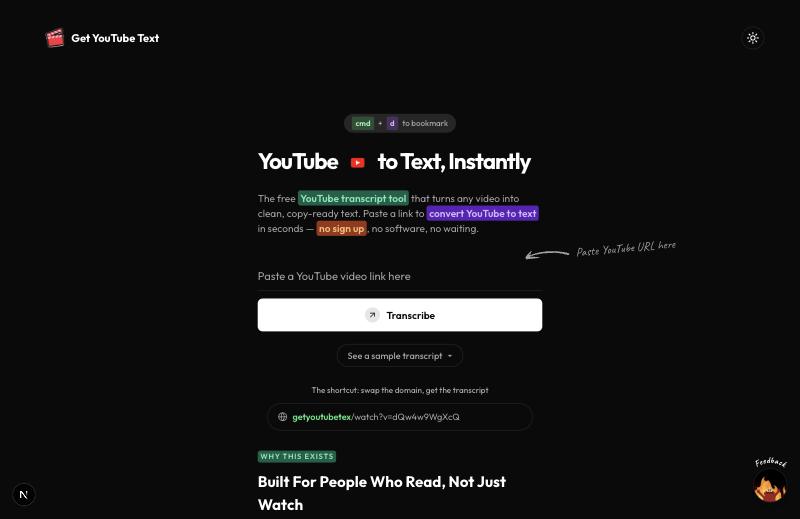
What sets it apart is what you can do after the transcript appears: read along with a synced player (click any line to jump the video to that moment), search inside the transcript, and export to TXT, SRT, VTT, CSV, JSON, or Markdown — with or without timestamps. There is a one-click AI Summary button that sends the whole thing to ChatGPT, Claude, or Gemini, plus dedicated tools for SRT, PDF, and Markdown, and transcript pages in several languages.
2Tactiq
Tactiq is best known as a live meeting transcriber — it runs as a Chrome extension that captures real-time transcripts from Google Meet, Zoom, and Microsoft Teams. It also pulls transcripts from YouTube videos, and layers AI summaries and follow-up questions on top, with support for 60+ languages and speaker identification.
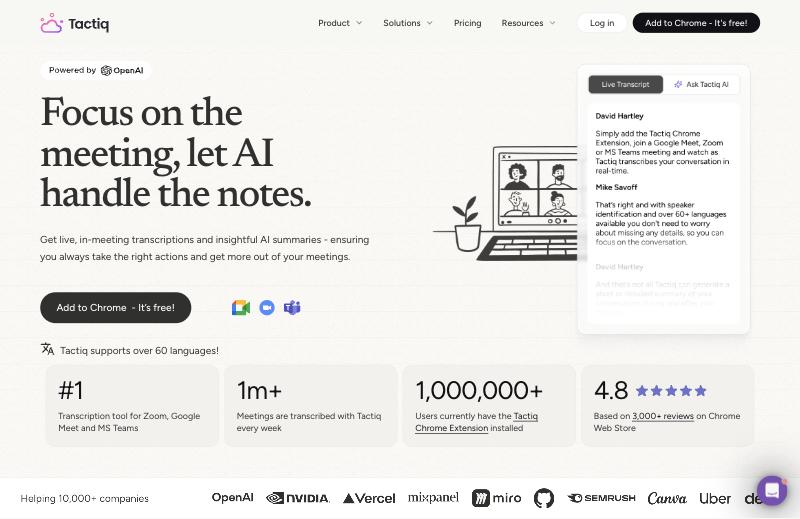
If your main need is meeting notes and you want YouTube transcripts as a bonus, Tactiq is a strong pick. For one-off YouTube transcripts it is slightly heavier than a paste-a-link tool, since it leans on the extension.
3Notta
Notta is an AI note-taker and transcription platform aimed at meetings, interviews, and lectures. It transcribes uploads and live conversations in 58 languages, then summarises and organises them into searchable notes. You can feed it a YouTube link or an audio/video file and get an accurate transcript with speaker labels.
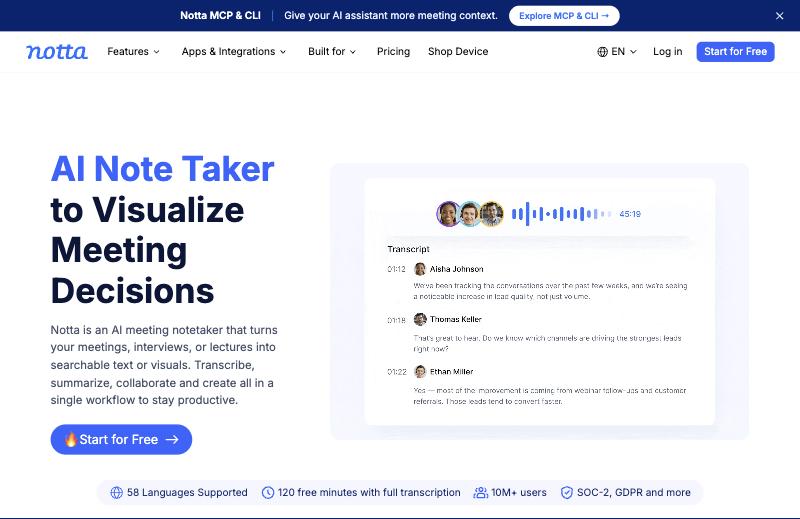
Notta is a great all-rounder if you want transcription plus summaries and collaboration, rather than just the raw text of a YouTube video.
4NoteGPT
NoteGPT pairs a free YouTube transcript generator with a full suite of AI study tools. Paste a video (or a whole playlist) and it extracts the transcript, then can generate summaries, notes, and mind maps from it. It supports batch transcription and many languages, and the basic generator works without signing up.
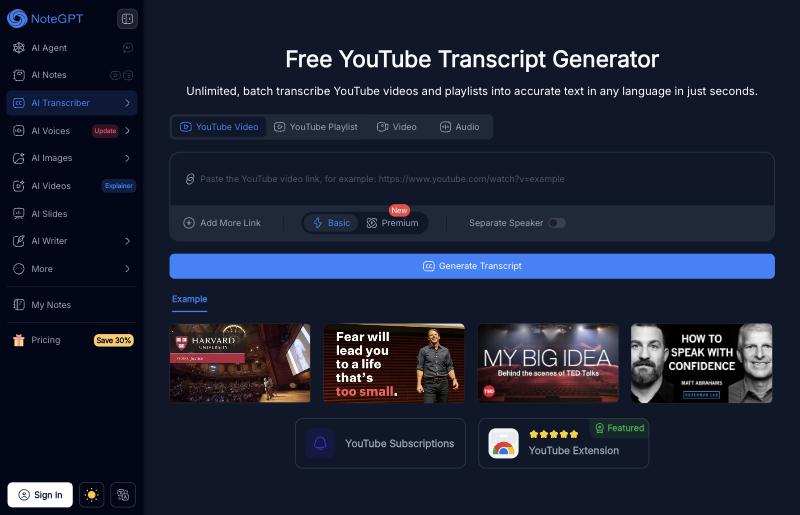
It is a good choice for students and researchers who want the transcript and AI-generated study material in one place.
5YouTube-Transcript.io
YouTube-Transcript.io is a dedicated, no-frills transcript extractor used by millions. Paste a link and it returns the transcript to copy or download; its standout feature is bulk and channel-wide export, plus an API for developers who want to automate transcript fetching.
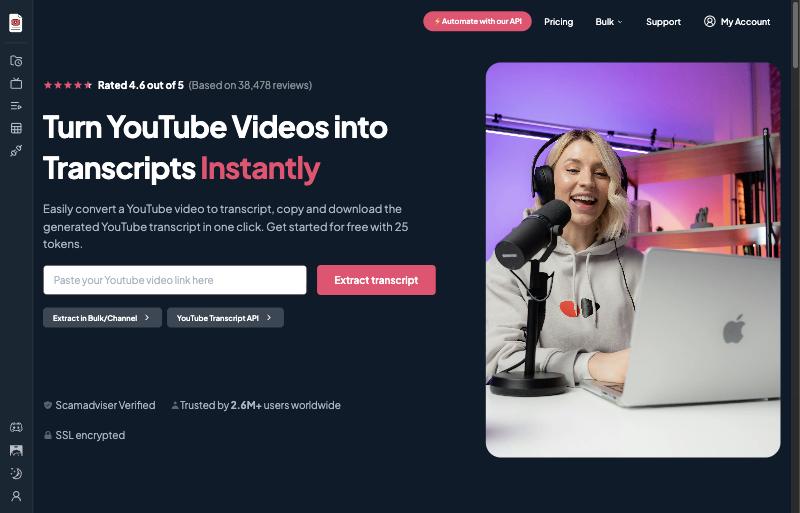
If you need to pull transcripts from many videos at once, or wire transcript extraction into your own app, this is the most focused option on the list.
6Descript
Descript is a professional, text-based audio and video editor — and transcription sits at its core. It transcribes your media, then lets you edit the video by editing the transcript: delete a sentence in the text and the matching video is removed. For creators who do more than read a transcript, it is powerful.
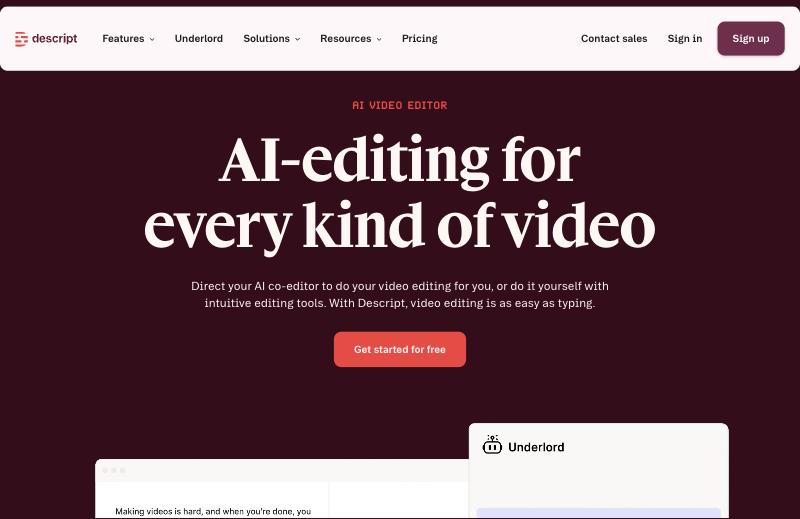
It is overkill if you only want to copy a YouTube transcript, but unmatched if you want to transcribe and then edit or produce content from the result.
7VEED
VEED is a browser-based video editor with strong automatic subtitling and transcription. Upload a video or paste a link and it generates subtitles you can edit, style, translate into 100+ languages, and burn into the video or export as a file. Transcription is one feature of a much larger editing suite.
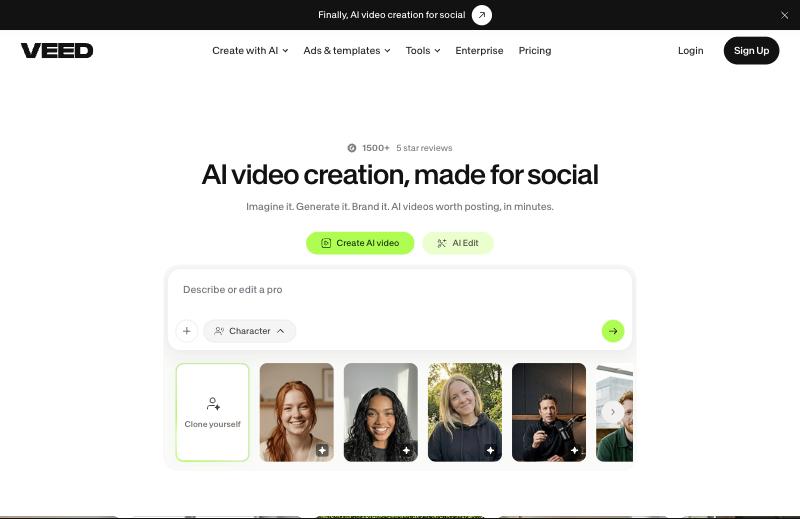
Choose VEED if you want subtitles you can polish and restyle, or if you are editing the video anyway and want the transcript as part of that workflow.
8Happy Scribe
Happy Scribe is a transcription and subtitling service with a dedicated YouTube transcript tool. Paste a link and it imports the video and returns a downloadable transcript with timestamps. It supports 150+ languages, offers both automatic and human-made transcription, and has solid export options for subtitles.
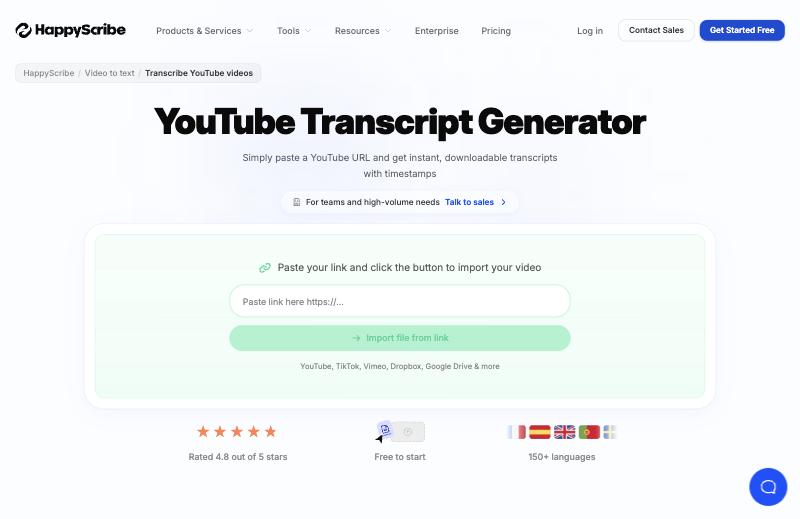
It is a good middle ground when you need better accuracy and proper subtitle exports than a free tool, without jumping to a full editor.
9Sonix
Sonix is a premium transcription platform known for high accuracy across 54+ languages, with multi-speaker detection, in-browser editing, and AI analysis across your files. It is aimed at professionals — journalists, researchers, and teams — who transcribe regularly and need the output to be reliable.
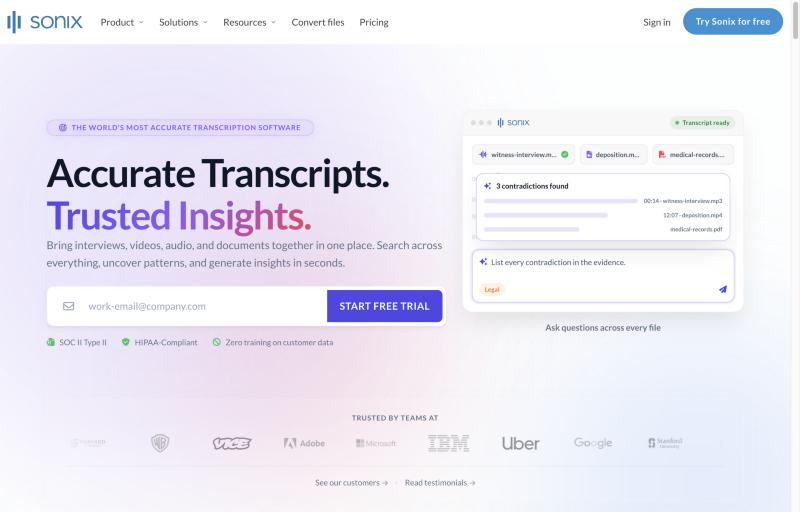
It is not a free tool in the long run, but the quality is excellent and the pay-as-you-go option is handy for occasional, important jobs.
10Maestra
Maestra is a media localization platform: transcription, subtitles, AI voiceover/dubbing, and translation in one place, across 100+ languages. If your goal goes beyond a plain transcript — say, subtitling a video and dubbing it into another language — Maestra covers the whole pipeline.
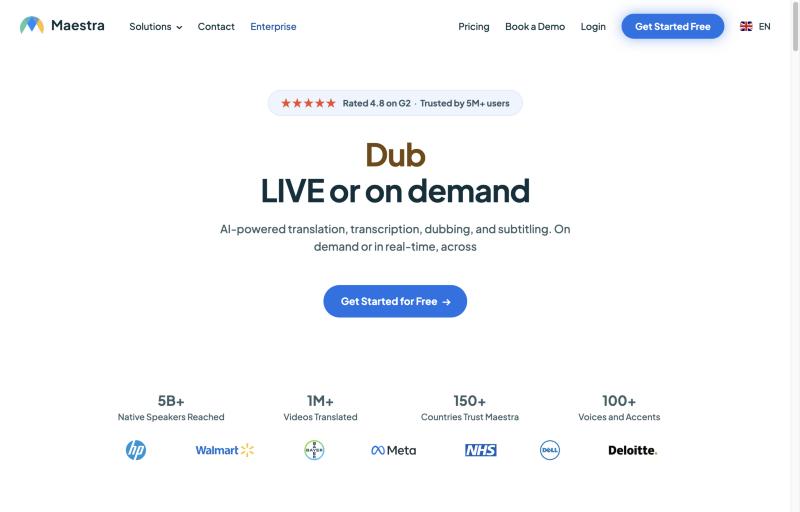
It is the most feature-rich option here for localization work, though that also makes it the priciest for simple transcription.
Bonus: YouTube’s own transcript panel
Do not forget that YouTube itself has a built-in transcript on desktop. Open a video, click …more under the description, and choose Show transcript. It is completely free and needs no other tool — but there is no clean formatting, no downloads, and no AI hand-off, and copying usually drags the timestamps along with the text.
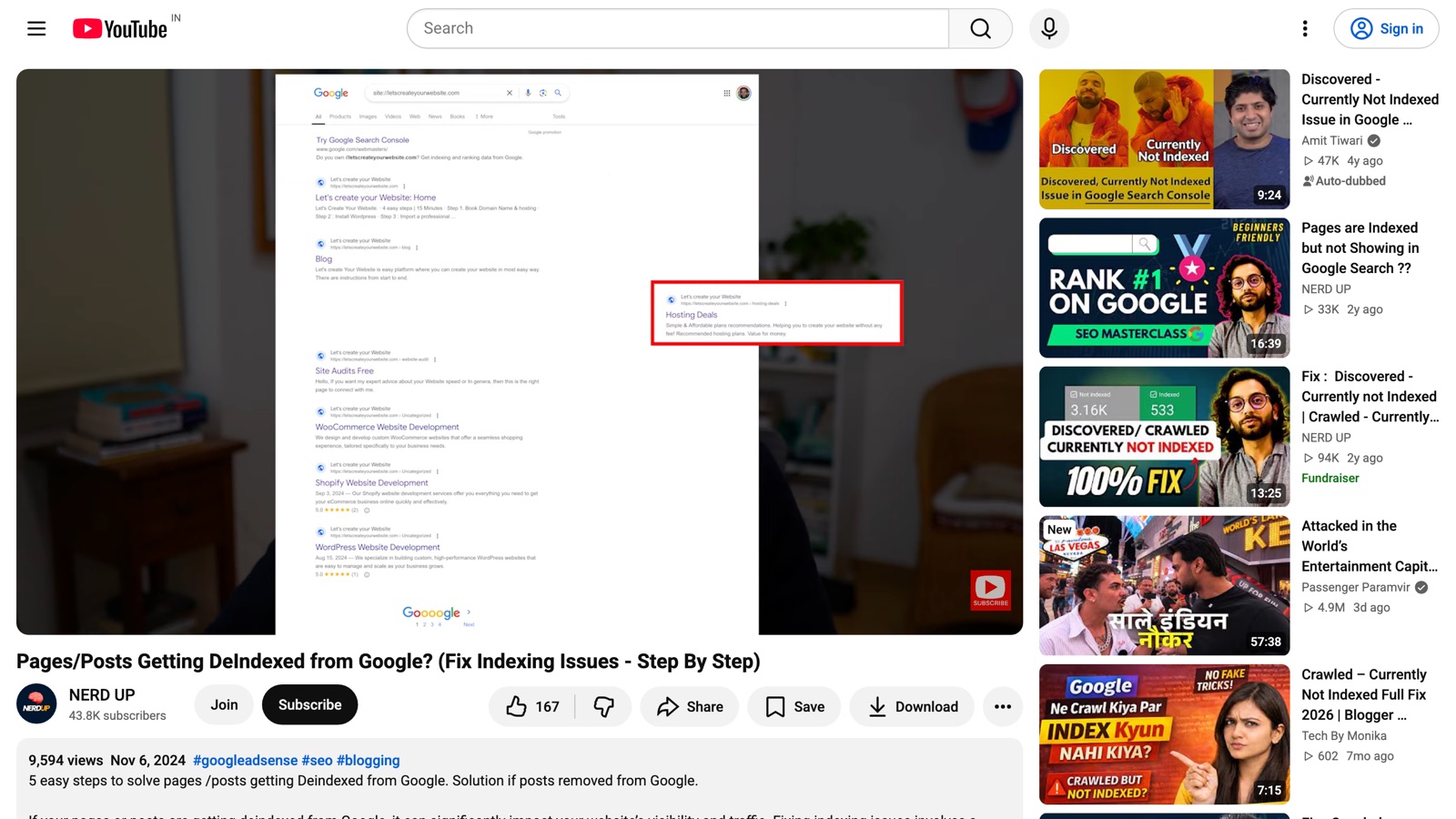
For a full walkthrough, see our guide on how to get a YouTube transcript for free.
How to choose the right tool
If you just want the text, fast and free: a dedicated transcript tool like Get YouTube Text, NoteGPT, or YouTube-Transcript.io will get you there in seconds with no account. If you need meeting notes too: Tactiq or Notta. If you are editing video or making subtitles: VEED or Descript. If accuracy and professional output matter most: Sonix or Happy Scribe. If you need translation and dubbing: Maestra.
Most people start with a free, no-signup tool and only move to a paid platform when they need higher volume, better accuracy, or extra features like editing and dubbing. There is no harm in trying a couple — they are free to test.
Want the fastest free option?
Paste a YouTube link and get a clean, searchable transcript in seconds — no sign up, no limits.